English
Steps to delete your account
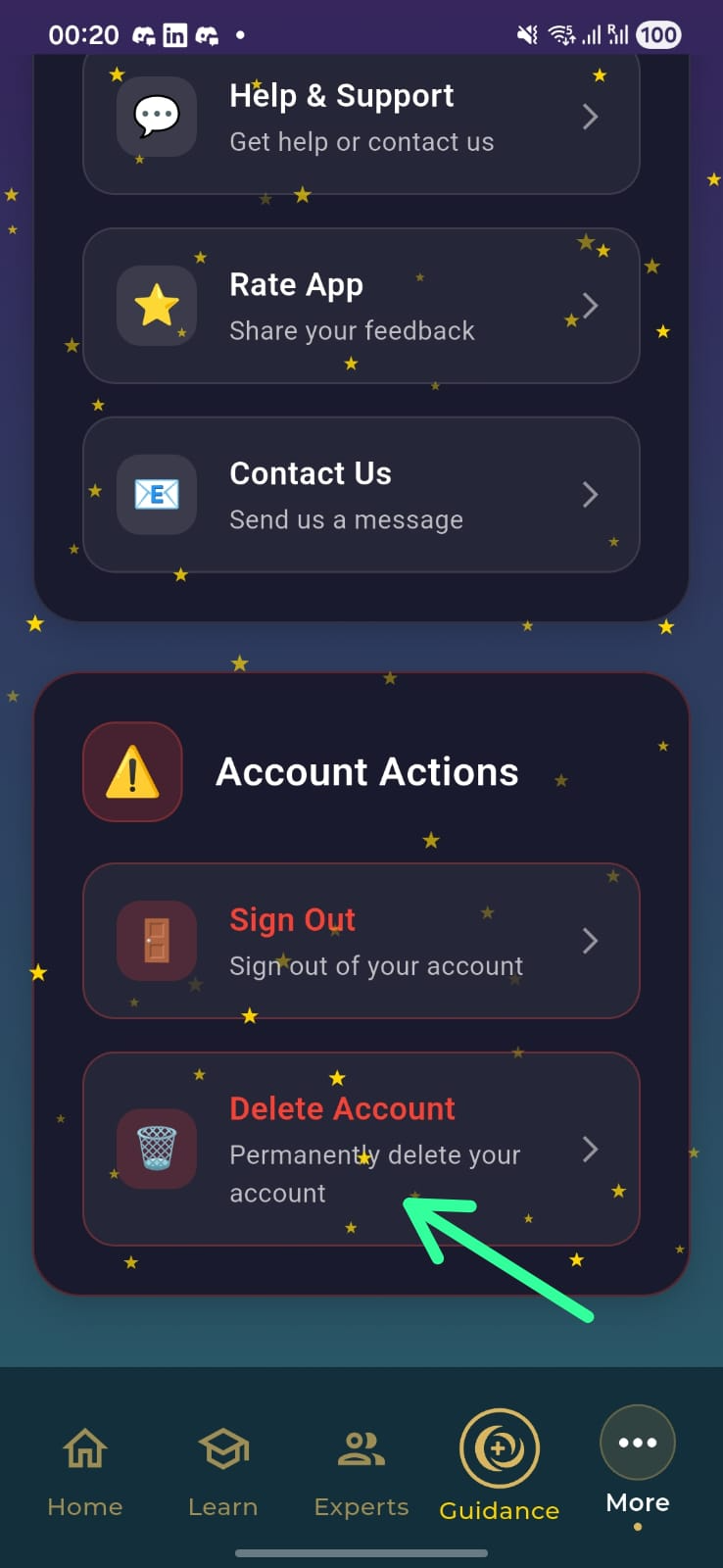
- Open the Oramo app and go to the More tab.
- Scroll down to find Delete Account.
- Follow the on-screen prompts to confirm deletion.
English
Data that is deleted
- Profile and registration data (name, email, phone if provided).
- Account identifiers and preferences.
- Test and assessment responses and results.
- In-app messages or support requests tied to your account.
English
Data that may be retained
- Records required for legal, accounting, or fraud-prevention purposes.
- Aggregated, anonymized analytics that do not identify you.
Retention period: up to 30 days for deletion processing, and up to 7 years for legally required records.
العربية
خطوات حذف الحساب
- افتح تطبيق Oramo وانتقل إلى تبويب المزيد.
- مرّر للأسفل حتى تجد خيار حذف الحساب.
- اتبع التعليمات لإتمام عملية الحذف.
العربية
البيانات التي يتم حذفها
- بيانات الملف الشخصي والتسجيل (الاسم، البريد الإلكتروني، رقم الهاتف إن وُجد).
- معرّفات الحساب والتفضيلات.
- إجابات ونتائج الاختبارات والتقييمات.
- رسائل الدعم أو المراسلات المرتبطة بحسابك.
العربية
البيانات التي قد نحتفظ بها
- السجلات المطلوبة لأغراض قانونية أو محاسبية أو لمنع الاحتيال.
- بيانات تحليلية مُجمّعة ومجهولة الهوية.
فترة الاحتفاظ: حتى 30 يومًا لمعالجة الحذف، وحتى 7 سنوات للسجلات المطلوبة قانونيًا.